
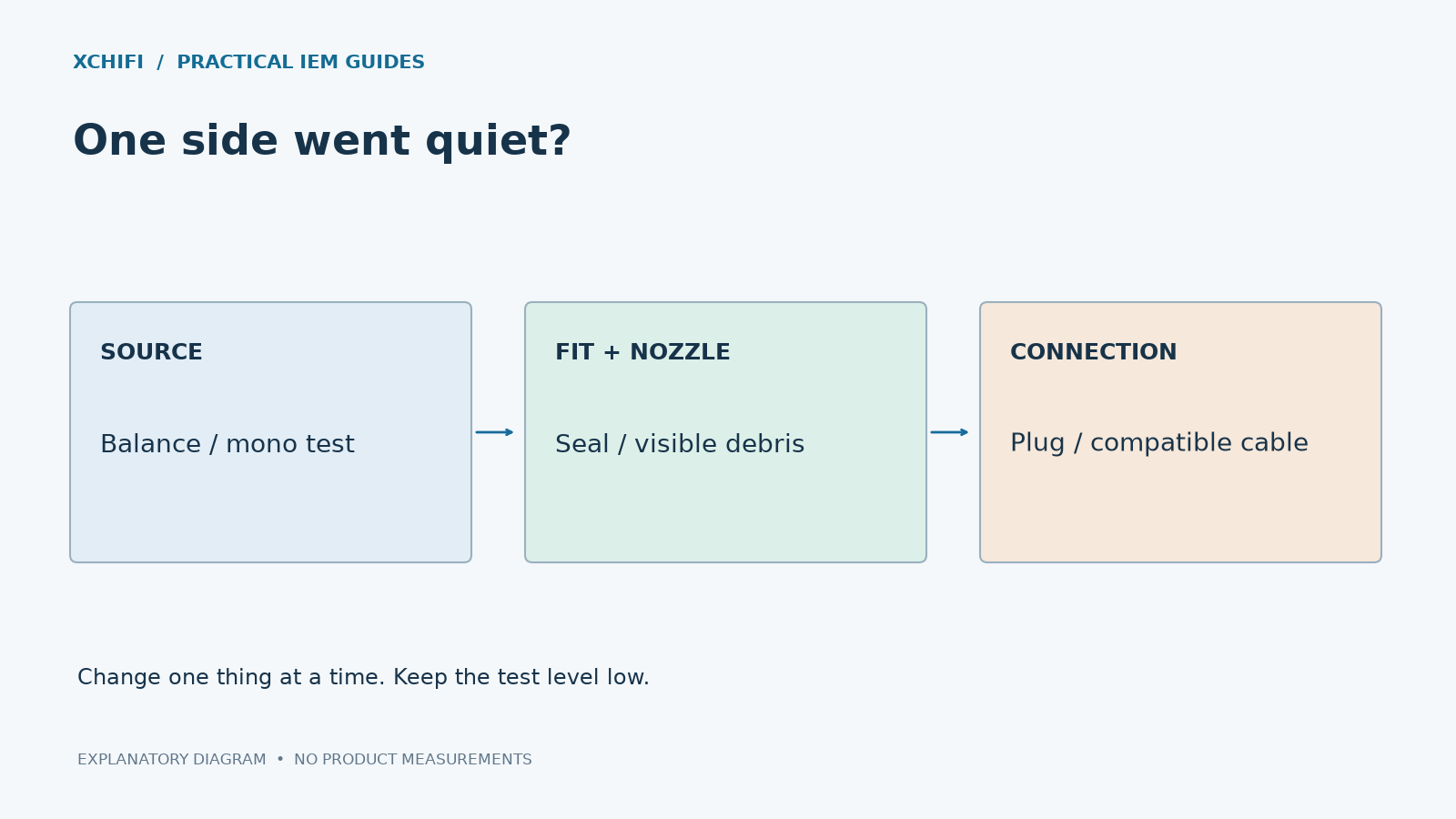
One IEM Quieter Than the Other: Diagnosis and Repair Guide
Last updated: September 2026 · Reading time: 8 minutes · By: XCHIFI Engineering
When one in-ear monitor (IEM) sounds quieter than the other, the cause is usually one of three things: a cable issue, earwax blockage in the sound nozzle, or driver diaphragm deformation. This guide walks through a systematic diagnosis and, in most cases, a fix you can do at home without replacing the IEM.
Why One IEM Sounds Quieter: The Three Common Causes
Before troubleshooting, it helps to understand what’s actually causing the imbalance:
- Cable issue (most common): A loose connection, dirty contact, or damaged wire in one side of the cable
- Earwax blockage (very common): The sound nozzle mesh catches earwax and debris, attenuating output
- Driver diaphragm deformation (less common but real): The thin diaphragm gets pushed inward when the IEM is inserted too quickly or at an angle, reducing driver excursion and volume
Step 1: Replace the Cable First
Before assuming the IEM itself is broken, swap the cable. This is the fastest diagnostic and may solve the problem entirely.

The test procedure:
- Detach the cable from both earpieces (most IEMs use 2-pin or MMCX connectors)
- Swap the cable: plug the left side of the cable into the right earpiece, and the right side into the left
- Listen again
Result interpretation:
- If the quiet side switches (was left, now quiet on right): the cable is damaged. Replace the cable.
- If the quiet side stays the same (still quiet on the same physical earpiece): the IEM itself has a problem. Continue to Step 2.
Common cable issues include broken strands near the connectors, oxidized contacts, and loose connections. If swapping doesn’t fully resolve the issue, the problem could be a combination of cable + IEM, so continue troubleshooting.
Step 2: Inspect and Clean the Sound Nozzle
Earwax and debris accumulate on the mesh filter at the tip of the sound nozzle. This is the most common cause of reduced volume in one earpiece.

Cleaning procedure:
- Remove the ear tip from the affected IEM
- Look at the metal mesh at the tip under good lighting
- Use the cleaning tool or a small soft brush (toothbrush works) to gently remove visible debris
- Brush from the inside outward (push debris away from the mesh, not into the driver)
- For stubborn buildup, carefully remove the mesh filter using tweezers, clean it separately, and reinstall
After cleaning, test again. If volume is restored, earwax was the cause. If the imbalance remains, proceed to Step 3.
Step 3: Check for Driver Diaphragm Deformation
If the cable and nozzle are both fine, the likely cause is driver diaphragm deformation. This is less obvious but recoverable.
Modern IEM diaphragms are extremely thin — typically 10-30 micrometers (about 1/3 the thickness of a human hair). This thinness is essential for good transient response and high-frequency extension. But it makes the diaphragm vulnerable to pressure changes.
When an IEM is inserted too quickly or at an angle, the air pressure inside the ear canal can push the diaphragm inward. The diaphragm deforms and stays in the depressed position because the magnetic force is not strong enough to pull it back. This reduces the driver’s excursion range and output volume.

How to Identify It
- One side is noticeably quieter than the other, but not completely silent
- The quiet side has reduced dynamic range (sounds compressed at high volumes)
- The problem appeared after the IEM was dropped, sat on, or inserted quickly
- Cable swap and cleaning made no difference
Step 4: Repair the Deformed Diaphragm
The repair technique uses air pressure to push the diaphragm back to its neutral position. This is a known method in the audiophile community and works in most cases.
- Step 4a: Remove the IEM from your ear and the ear tip from the affected side
- Step 4b: Carefully remove the metal mesh from the sound nozzle using fine tweezers. Set the mesh aside in a clean place where it won’t get lost
- Step 4c: Place your mouth directly against the open nozzle (where the mesh was)
- Step 4d: Apply gentle suction — suck, not blow. The suction pulls the deformed diaphragm back toward its neutral position
- Step 4e: Listen after each suction attempt. You may need 3-5 attempts to fully restore the volume
- Step 4f: Once volume is restored, reinstall the mesh filter using tweezers
Why this works: Suction creates negative air pressure on the front side of the diaphragm, pulling it back to its resting position. This is the same physical principle used in microphone calibration.
Preventing Diaphragm Deformation
Some failures cannot be repaired at home:
Frequently Asked Questions
Why is one of my IEMs suddenly quieter than the other?
The three most common causes are: (1) a damaged or dirty cable connection, (2) earwax or debris on the sound nozzle mesh, and (3) driver diaphragm deformation from rapid insertion or physical impact. Diagnose systematically using the cable swap test in Step 1.
How do I know if my IEM diaphragm is deformed?
Diaphragm deformation typically presents as one IEM being quieter than the other, with reduced dynamic range. The quiet side still produces sound but at lower volume. The condition often appears after the IEM is dropped, sat on, or inserted very quickly.
Is sucking on my IEM to fix it safe?
Gentle suction is a recognized repair technique used by audiophiles and even some service centers. Use light suction only — excessive force can damage the voice coil. If 5-10 gentle attempts don’t restore volume, the driver likely has a more serious problem.
How do I prevent this from happening again?
Insert IEMs slowly and at the correct angle (aligned with your ear canal). Avoid pushing them in forcefully. Store them in their case when not in use. Clean the nozzle mesh regularly to prevent earwax buildup that can affect sound quality.
If your IEM is still under warranty and the imbalance appeared without obvious cause (no drops or impacts), contact the manufacturer. Diaphragm failure from manufacturing defects is typically covered, while damage from physical impact is usually not.