
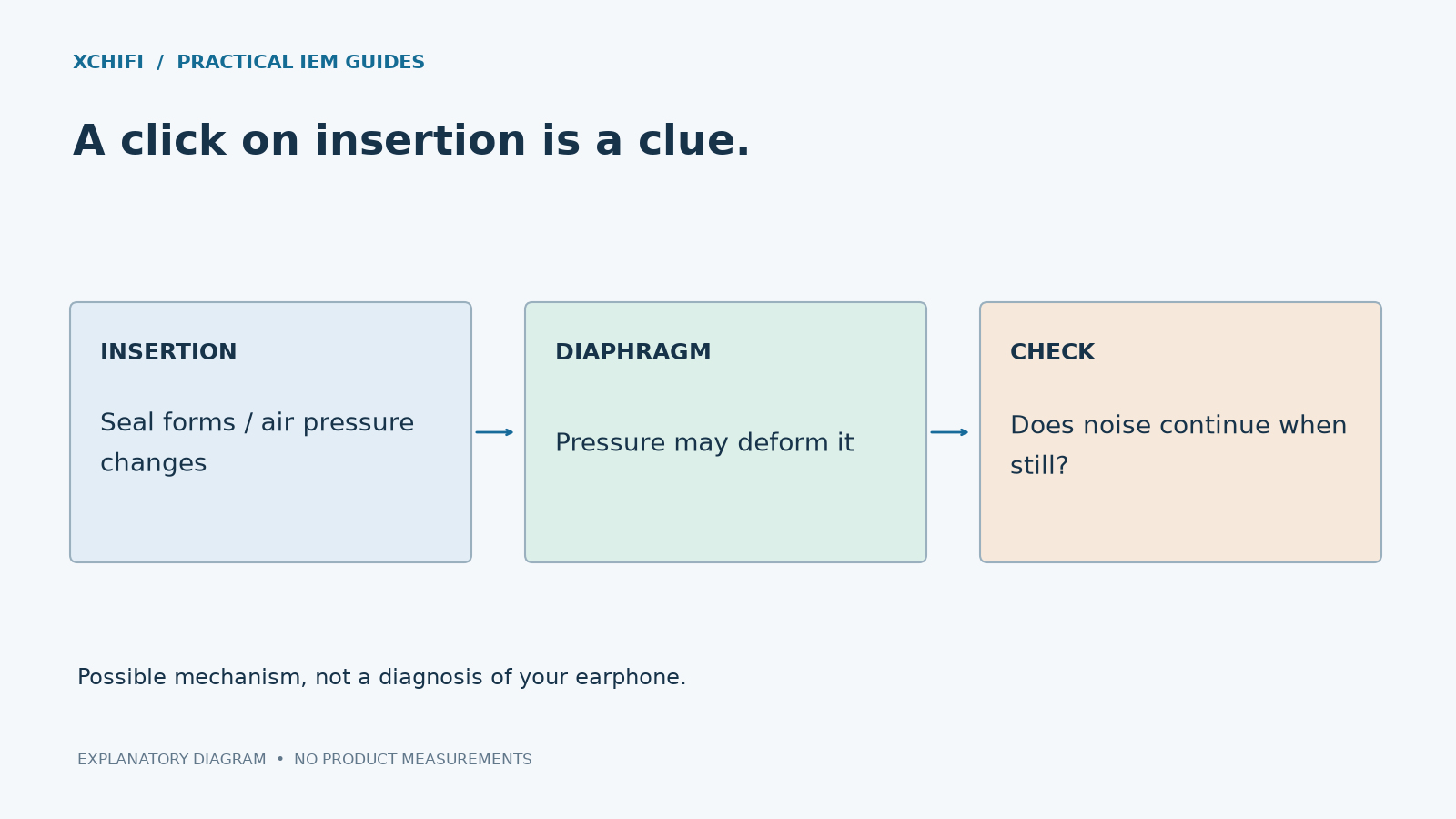
A brief crinkle as you insert an IEM can come from driver flex: insertion changes the trapped-air pressure and deforms a thin diaphragm. The sound alone cannot confirm that diagnosis.
Notice when the noise happens
- Only while inserting or adjusting the seal: pressure-related flex is one possibility, particularly with dynamic-driver IEMs.
- When moving the plug or cable: inspect the connection rather than assuming diaphragm trouble.
- During music while you sit still: check the source, EQ and cable. Persistent crackling or reduced output deserves further investigation.
What can you try?
Pause playback. Insert slowly instead of pushing the shell sharply inward. If pressure builds, gently loosen the seal and reseat the earphone. Try a different compatible tip size or shape that seals without discomfort.
Keep externally visible vents clear using the manufacturer’s approved care method. Do not push a pin into a vent, enlarge it or block it with tape. A vent is part of the acoustic design.
Is the driver damaged?
A brief insertion sound does not by itself establish damage. It also does not prove that every crackle is harmless. If the sound persists, one side stays quieter, distortion appears, or insertion is painful, stop repeatedly provoking it and contact support.
Do not try to “fix” flex with louder music, suction or compressed air. The useful next step is a fit check or service assessment, not forcing the diaphragm to move.
Technical references: Manufacturer explanation of insertion crinkling