
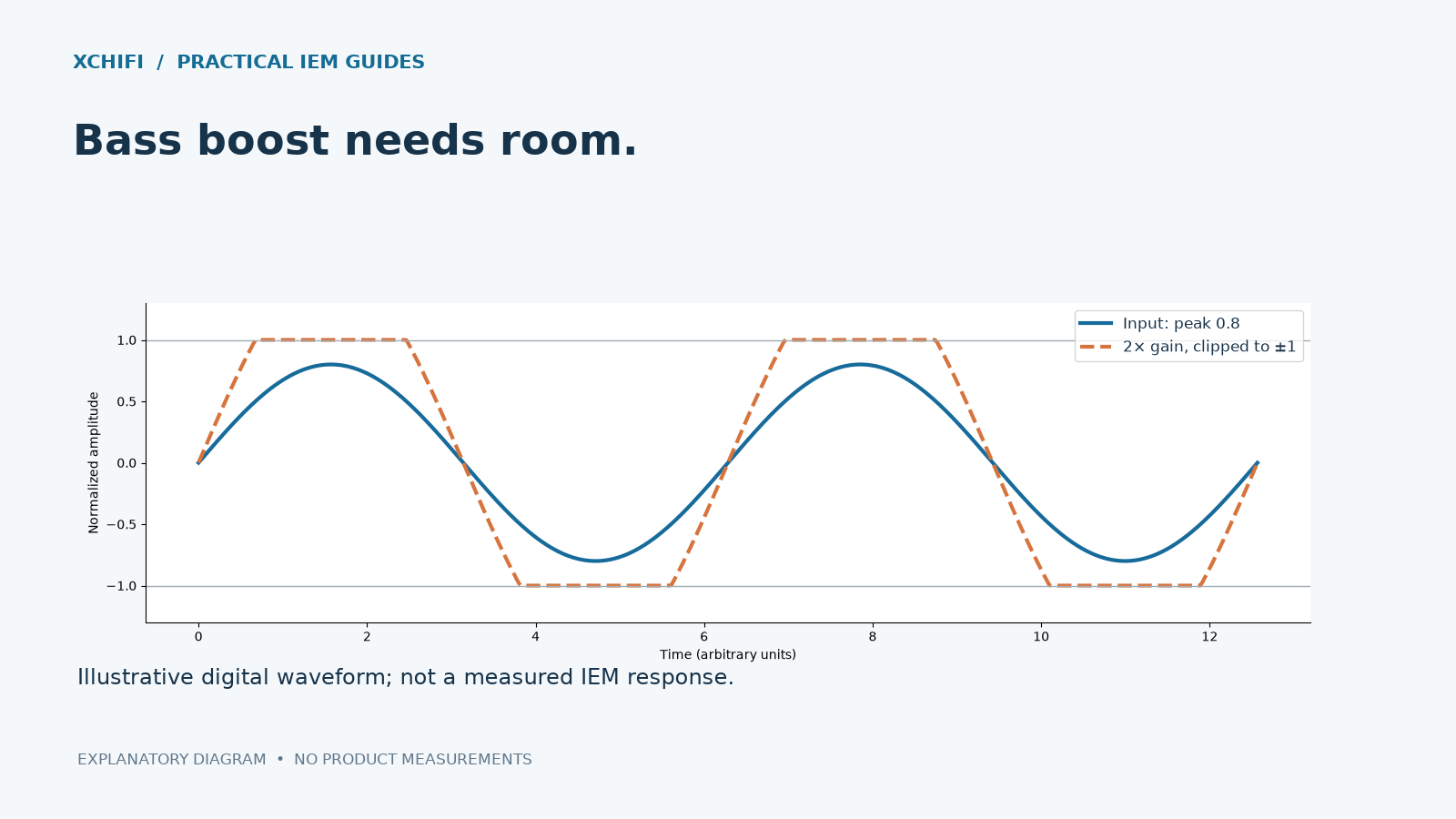
You add bass, and the kick starts crackling. The distortion may begin in the digital signal before it reaches the earphone.
Why an EQ boost can clip
A signal near full scale has little spare room. Boosting it can exceed the range available at a fixed-point output or conversion stage. Peaks are then limited rather than reproduced correctly. Floating-point processing may hold larger internal values, but that does not remove the final output limit.
Set the preamp before chasing more power
- Lower playback volume before changing EQ.
- Check the combined response of all filters. Overlapping boosts can add up, so the largest individual slider is not always the largest total boost.
- If the combined peak is +6 dB, a −6 dB preamp is a useful starting compensation. Leave extra margin if needed; filter behavior and transient peaks can matter.
- Use the app’s clipping indicator if available. Compare EQ on and off at a similar comfortable loudness.
A quieter result after adding negative preamp is expected. A volume control located after the clipping stage cannot repair peaks already clipped earlier.
Still distorted?
Reduce the boost and listening level. The amplifier may be running out of output, the driver may be exceeding its useful travel, or the recording itself may be distorted. Digital headroom does not create unlimited amplifier or diaphragm headroom.
Do not keep turning up a crackling system to “test its limits.” First restore a clean baseline, then make a smaller adjustment.
Technical references: EQ headroom and pre-gain