
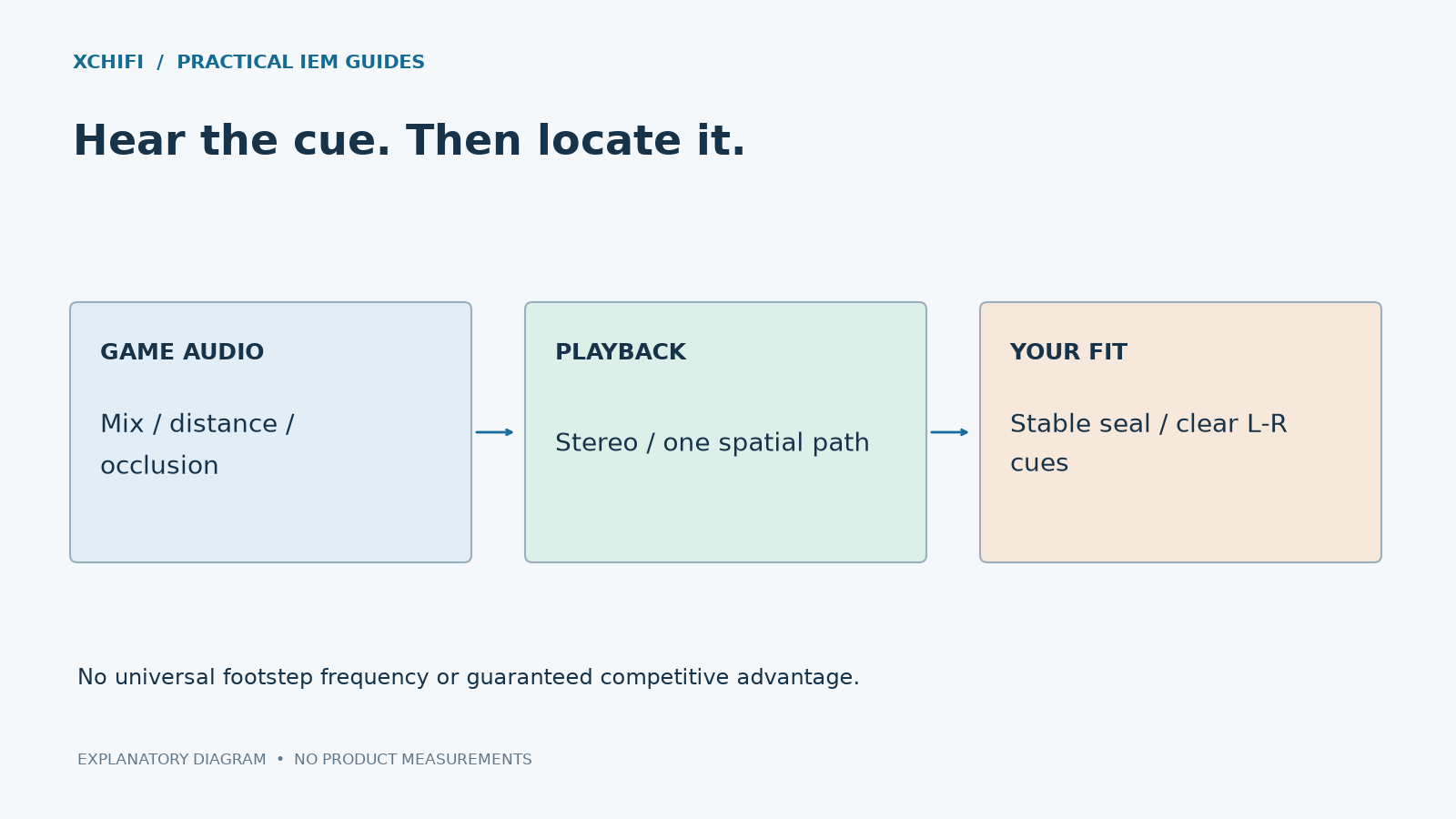
A wider-sounding IEM does not automatically make footsteps easier to locate. The game’s mix, spatial processing, fit and your familiarity with its cues all matter.
Check the setup before shopping
- Confirm left and right. Use a low-level channel test. Check that system mono audio is off and both sides fit consistently.
- Use the game’s intended headphone setup. Follow its current audio documentation. A setting designed for speakers may not produce the intended result through IEMs.
- Avoid accidental double processing. Do not stack game HRTF, operating-system surround and another virtual-surround effect without checking how they interact.
- Compare in a repeatable scene. Use a training area with the same sounds, positions and comfortable loudness. Change one setting at a time.
HRTF processing uses directional filters to simulate how sound reaches the ears. Results vary with the game, implementation and listener; switching it on is not a universal win. Riot’s published spatial-audio guidance is one example of why the correct setup is game-specific.
Should you boost the treble?
There is no single footstep frequency shared by every game. Heavy bass can obscure useful cues in some mixes, but a large treble boost can make gunfire unpleasant without improving direction judgments.
Start with the game’s mix and a stable fit. If EQ helps, keep changes modest and compare them carefully. Do not compensate for missing cues by continually raising volume. Comfortable long-session wear and reliable positioning cues are more useful than an unsupported “gaming score.”
Technical references: Riot: spatial audio and HRTF interaction