
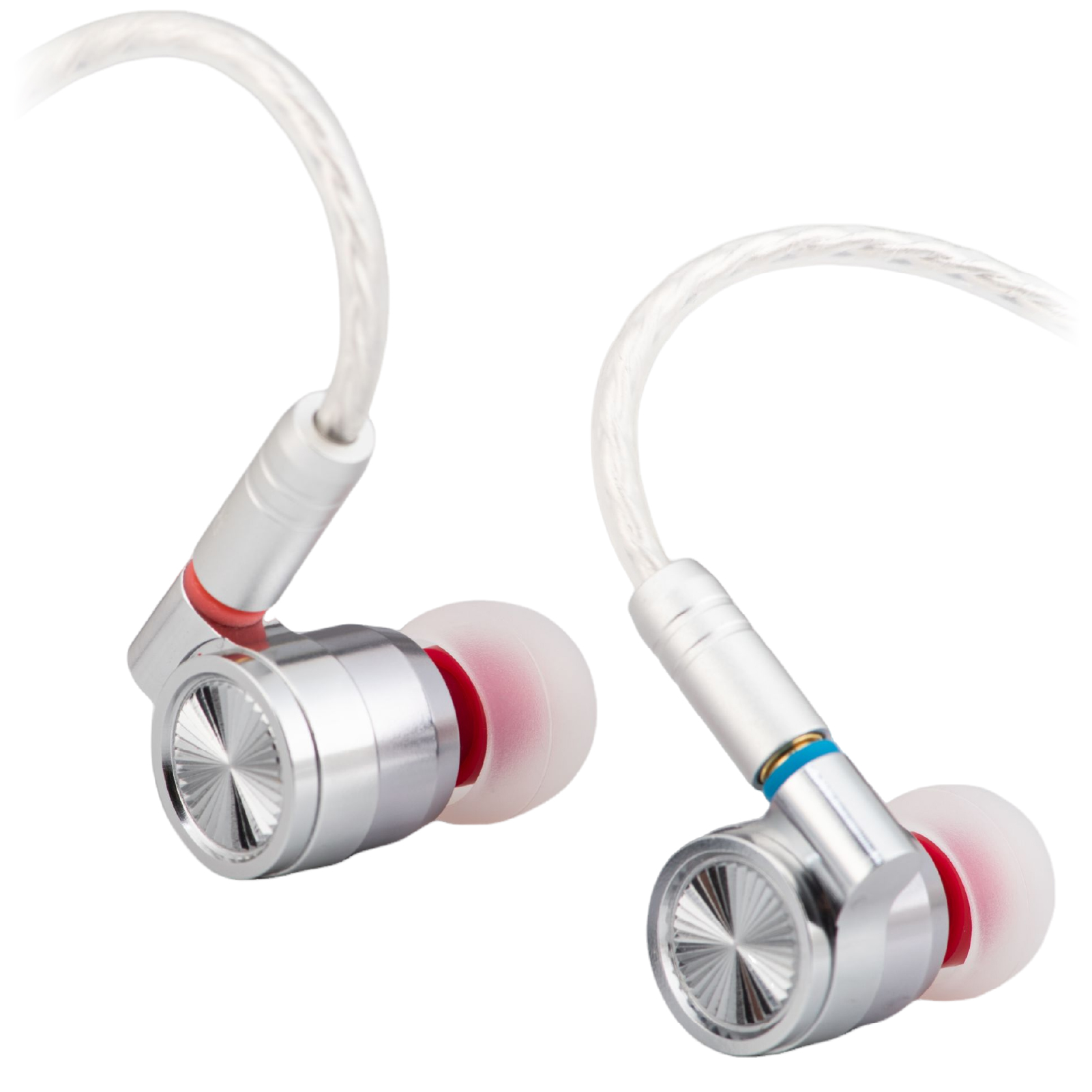
Start with a dry, soft brush—not a needle. Wax and dust can block an IEM’s outlet, but pushing through the mesh can damage the filter or force dirt inside.
Clean the surface first
- Unplug the earphones and carefully remove the ear tips. Hold the shell, not the cable.
- Inspect the nozzle under good light. Keep the opening pointed down and lightly brush away loose surface debris.
- Clean the detached tips according to their material and care instructions. Let them dry completely before refitting.
If your earphone has a special cleaning tool, follow its instructions. An open sound bore and a mesh-covered nozzle do not take the same cleaning method.
Leave stubborn blockage alone
Do not push a pin through the mesh, soak the earpiece or blow compressed air into it. Avoid dripping alcohol or other solvents onto the nozzle: a product that cleans the outside may damage an internal filter or adhesive.
If brushing does not clear it, check whether the manufacturer supplies a replaceable filter. Some meshes are bonded in place and are not intended for user removal.
Still quieter on one side?
Compare at low volume on another source before assuming the driver has failed. A connection or balance setting can produce a similar symptom. Our one-side-quiet checklist covers those checks.
Before fitting a different mesh, read why replacement filters can change the sound.