
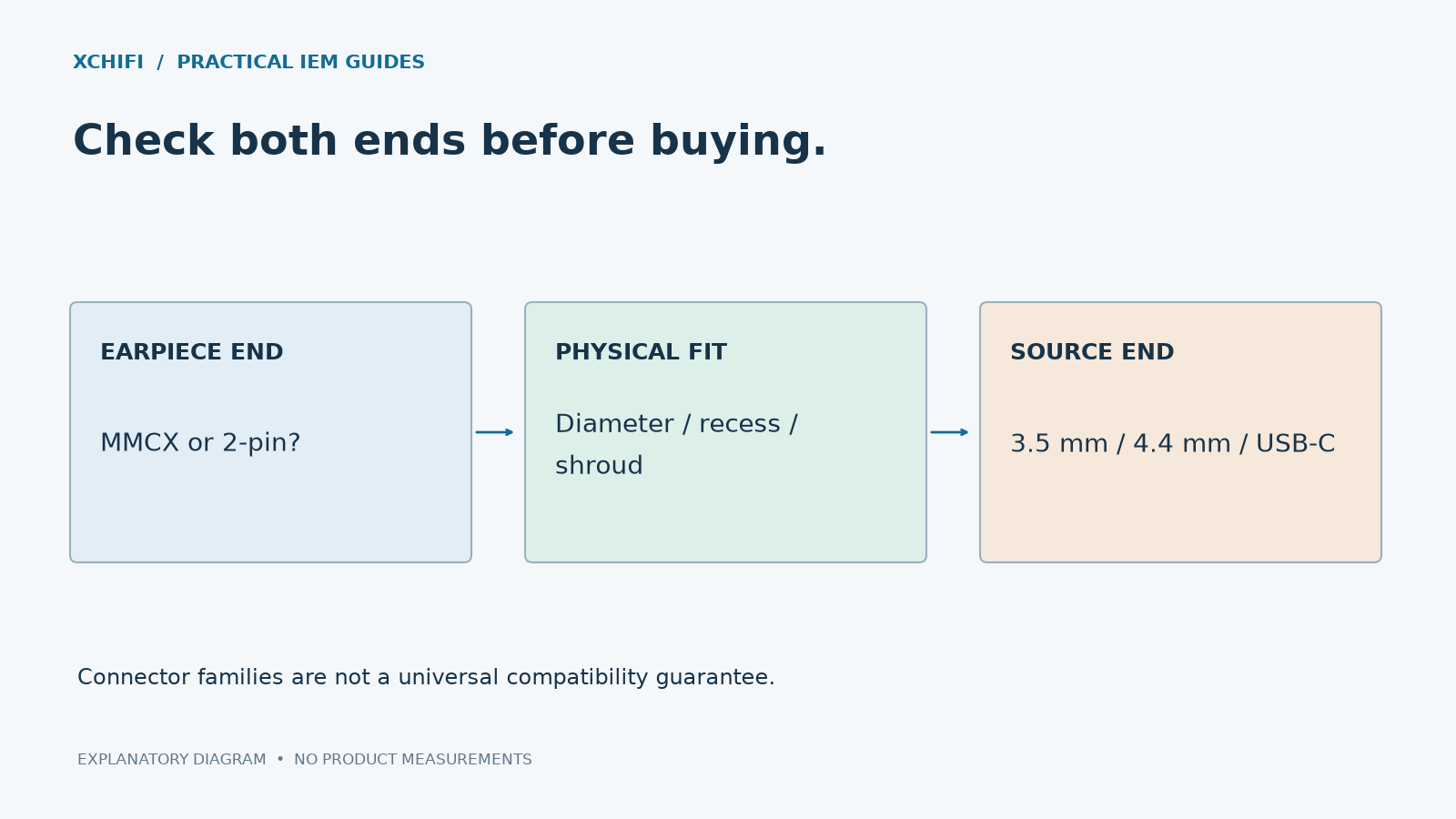
Check the exact earphone model before ordering a cable. “2-pin” or “MMCX” is only the start of the compatibility check.
At the earphone end
MMCX is a small round snap connector. Many versions allow rotation when connected, but recessed sockets and model-specific housings can restrict which plugs fit.
2-pin uses two contacts. Confirm the specified pin diameter, such as 0.75 mm or 0.78 mm, and whether the socket is flush, recessed or surrounded by a raised housing. Do not treat those diameters as interchangeable or force a shroud over the wrong socket.
Check left/right markings, polarity and cable-exit direction as well. A cable that seats mechanically is not automatically wired or oriented correctly for the model.
At the source end
- 3.5 mm: distinguish stereo TRS from microphone-equipped TRRS.
- 4.4 mm: verify that the source provides the intended balanced output.
- USB-C: check the cable’s audio electronics and device compatibility; the connector shape alone is insufficient.
Make the first connection gently
Disconnect the source. Hold the connector body rather than pulling on the wire, and follow the earphone maker’s removal instructions. Do not twist a 2-pin plug as if it were MMCX.
If pins will not align, the plug will not seat, or the connection is loose, stop. Ask the seller to confirm compatibility with your precise model and revision. An adapter may change fit and leverage on the socket even when the electrical connection works.
Technical references: Examples of connector and housing compatibility · MMCX and 0.78 mm contact diagrams