
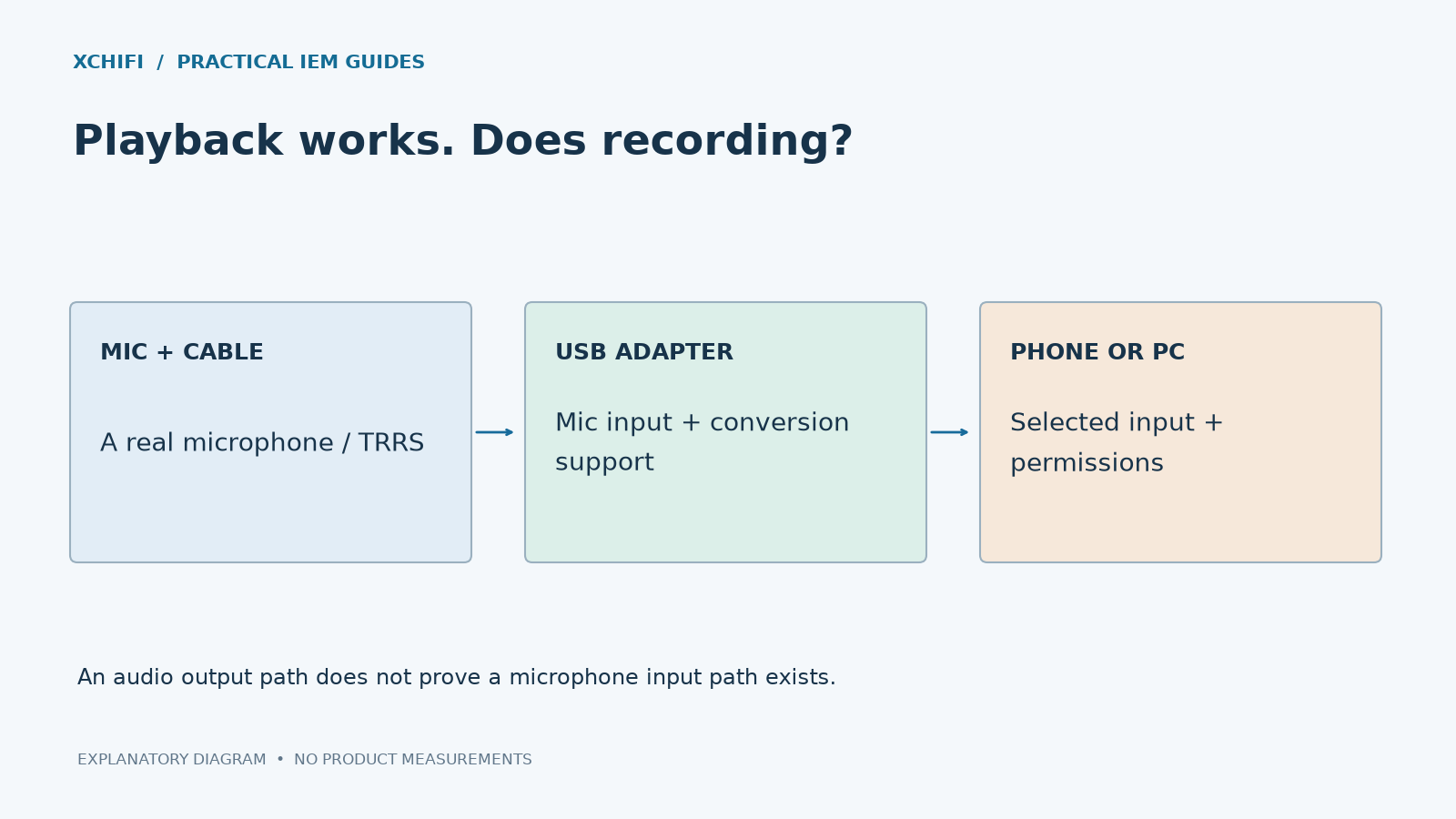
A USB-C dongle can play music without supporting your headset microphone. Sound coming out proves only that the output path works.
Check the hardware chain
- Does the cable actually have a microphone? Many IEM cables are stereo-only. A common 3.5 mm TRS plug has three metal contact sections; a headset TRRS plug has four. Count contacts, not decorative rings.
- Does the dongle support microphone input? Look for explicit headset/TRRS input support. A DAC provides playback conversion; analog microphone recording also needs an input stage and analog-to-digital conversion.
- Does the wiring match? Common CTIA and OMTP headset pinouts exchange microphone and ground contacts. Check the adapter and headset specifications rather than assuming all TRRS plugs work together.
Then check the device
In the system’s sound settings, select the intended input and make a short recording. Check microphone permissions, the app’s selected input and any mute switch. Windows apps may need permission even when the system detects the device.
If possible, test the headset on a known-compatible input, then test the dongle with a known-working headset. This separates a cable fault from missing adapter support.
A passive splitter cannot add microphone conversion to an output-only USB DAC. Nor does a USB-C connector alone guarantee support for every phone, call app or headset control. If the hardware lacks input support, use a compatible headset adapter or a separate microphone.
Technical references: Android headset wiring specification · Microsoft microphone troubleshooting