
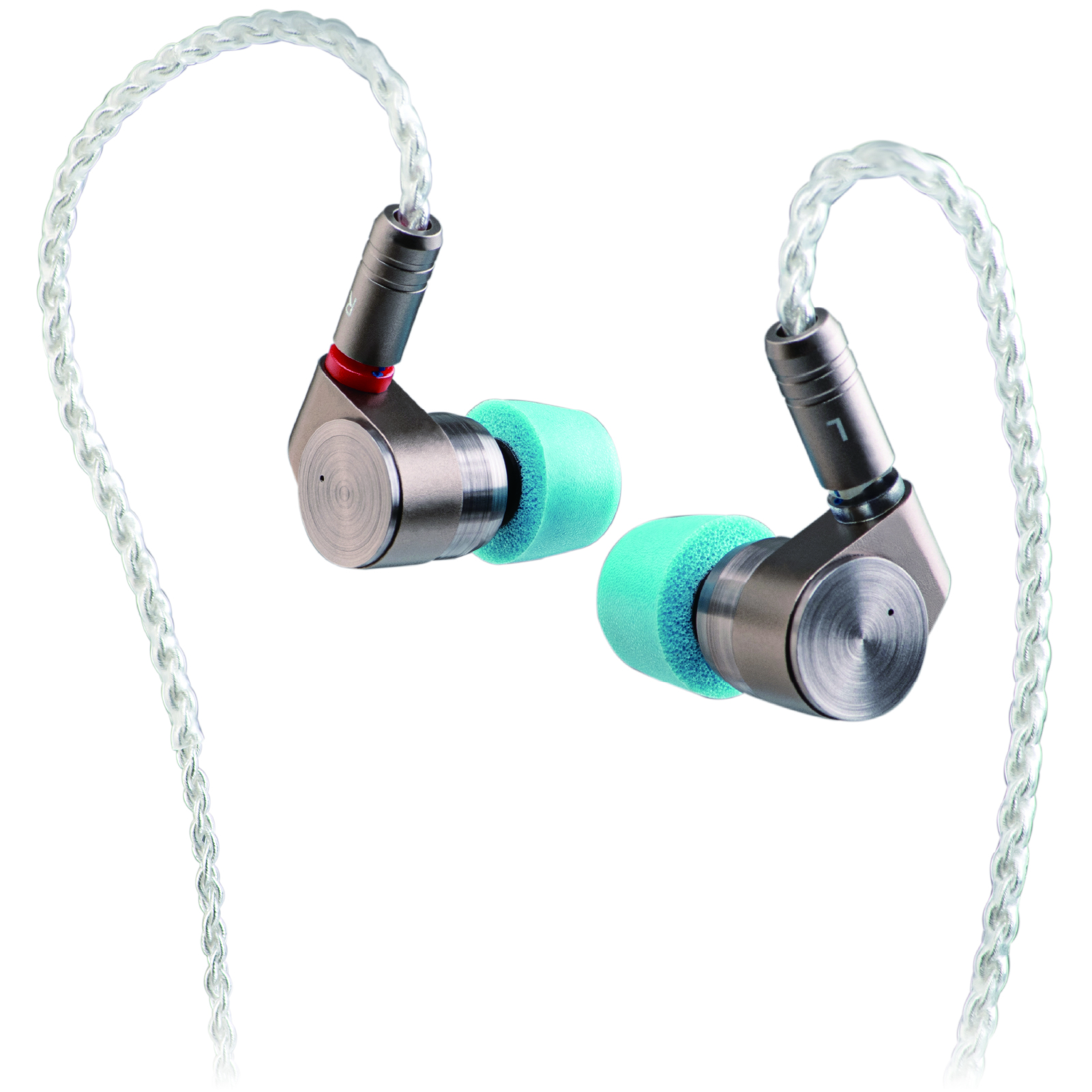
If moving the cable makes the sound stop and return, check the connection before replacing the earphone. The fault may be in the cable, its plug, the IEM socket or the source.
Find which connection triggers it
At low volume, check the source plug, cable splitter and earpiece connection with gentle movement. Do not repeatedly bend the wire or lever the socket. Note where the interruption occurs.
A phone case can stop a plug seating fully. A loose dongle can also make both channels cut out. Try another source to separate those problems from the earphones.
Try a known-good, compatible cable
If the problem disappears with another cable, the original cable or its connection is the likely cause. If the same earpiece still cuts out on another source and cable, its socket or internal wiring needs attention.
Compatibility means more than “two pins.” Pin size, connector recess and housing shape must match. Check our 2-pin and MMCX guide before buying.
Do not bend the contacts to tighten them
A rotating MMCX connection is not automatically faulty. Crackling, dropouts or a connector that will not stay attached are more useful clues. Avoid glue, foil and improvised pin bending; these can turn a replaceable cable problem into a damaged socket.
If the socket itself moves in the shell, stop testing and ask for service. See when repair makes sense.