
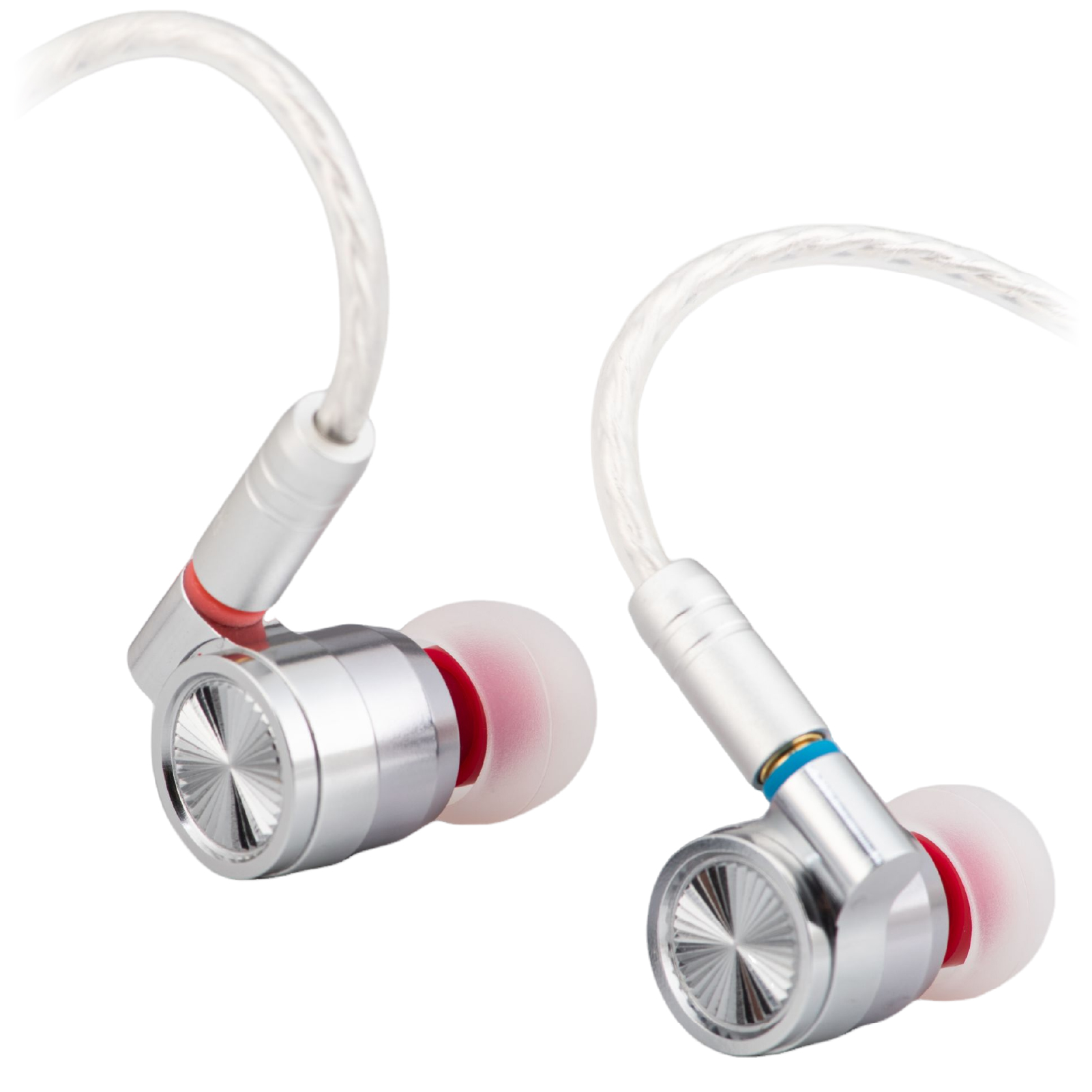
Moisture is one possible cause when an IEM starts normally, then becomes quieter or muffled. It is not the only one. A shifting seal, a blocked filter or a faulty connection can sound similar.
What changes when moisture reaches the outlet?
Moisture around or within a nozzle filter can restrict sound transmission. The symptom may ease after drying, but that pattern alone does not prove condensation is the cause.
Note whether it happens after warm, sweaty use, whether one side is affected, and whether it also occurs with another playback device. Do not keep turning up the volume to compensate.
Stop listening and let it dry
Disconnect the earphones, remove the tips and gently wipe visible moisture from the outside. Leave them in a dry, ventilated place. Follow the maker’s drying instructions; there is no single drying time that proves every earphone is safe to use.
Do not use a hair dryer, oven or rice. Do not push tissue into the sound outlet. If you use a drying product, choose one intended for the device and keep loose material away from openings.
If it keeps happening
Check the nozzle for visible blockage and inspect the cable connection. Repeated fading, corrosion or distortion after drying deserves a service check. Drying cannot repair damaged contacts or a failed driver.
Read how to clean nozzle mesh safely and how to store IEMs after humid use.