
Loud footsteps are not much help if you cannot tell where they came from. Huge explosions lose their appeal when they hide your teammate’s call. And an excellent earphone is a poor gaming companion if it starts hurting halfway through a match.
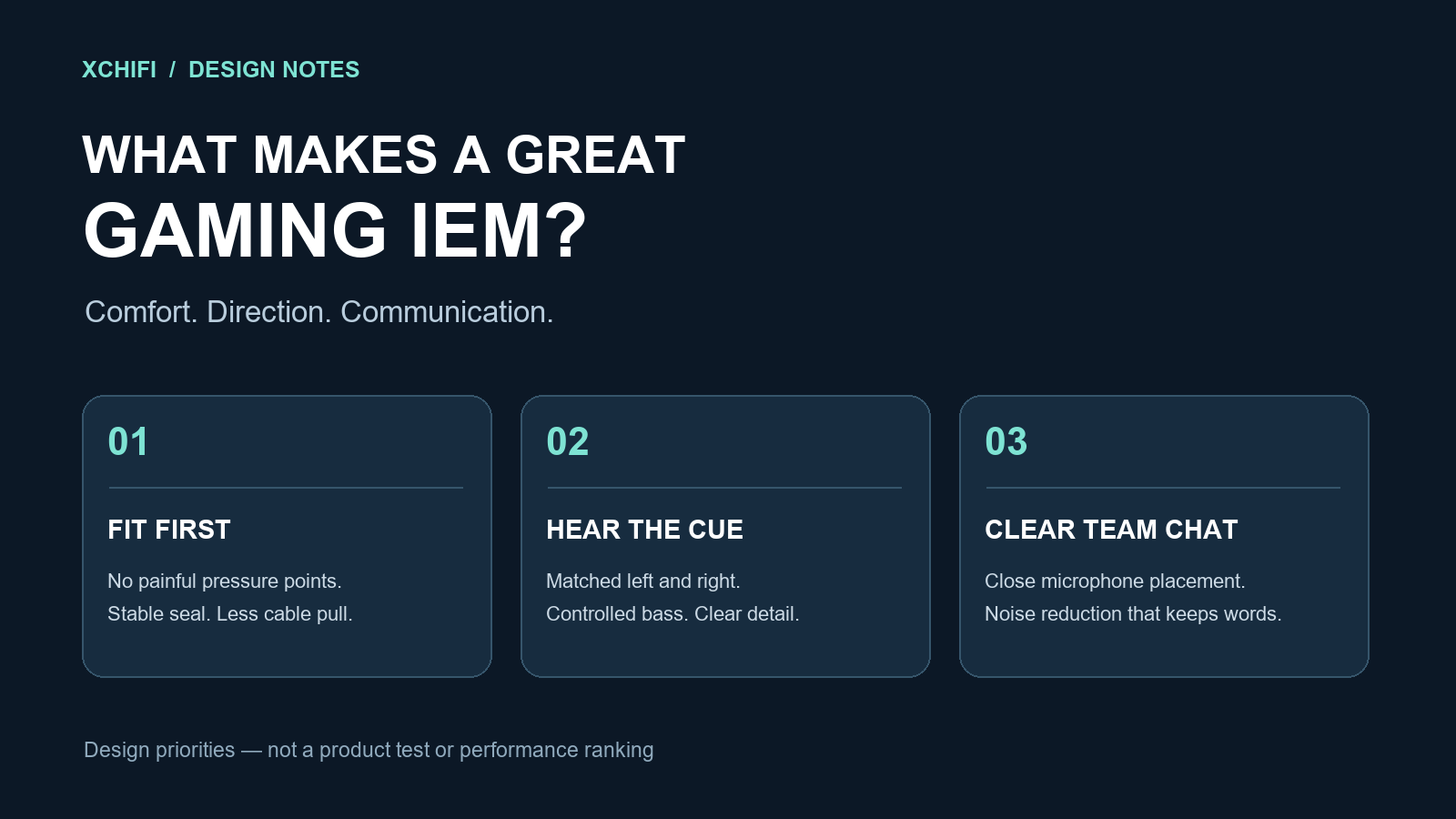
The best gaming IEM for you has to get three things right: stay comfortable, preserve useful sound cues and carry your voice clearly. Designing one means treating the fit, drivers, microphone and connection as a single system—not picking the largest driver or printing “7.1” on the box.
1. Comfort comes before the driver count
An in-ear gaming headphone should sit securely without pressing a hard edge into the outer ear. Shell size matters, but so do weight distribution, nozzle angle, insertion depth and the pull of the cable. A smaller shell can still hurt if its nozzle points the wrong way for your ear.
Offer several ear-tip sizes and check the seal while the wearer talks and moves their jaw. An unstable seal can change the bass during a game. Soft ear hooks and a flexible, low-friction cable can also reduce tugging and handling noise.
For a prototype, run wear sessions with different ear shapes. Record pressure, soreness, slipping and how often people adjust the earphones. A two-hour session with breaks is a useful development check—not proof that one shape will fit everyone. Compare foam and silicone ear tips before settling on the accessories.
2. Accurate direction matters more than a “huge soundstage”
Players need a stable sense of left and right, and useful clues about front, back and distance. The earphone should reproduce the game’s signals consistently. That means good left/right matching, a repeatable fit and low distortion at normal listening levels.
Spatial audio is not created by driver count alone. Games can use a head-related transfer function, or HRTF, to encode directional cues into two headphone channels. The result also depends on the game’s implementation and how well that processing suits the listener.
Riot’s VALORANT audio documentation describes separate paths for its HRTF and supported third-party spatial audio. Follow the game’s current instructions rather than stacking surround effects. More processing is not automatically more accurate positioning.

3. Keep the impact. Control what masks the detail.
Strong bass can make engines and explosions convincing. Too much bass can also make quieter information harder to follow. Raising the treble aggressively may make some cues stand out, but it can make gunfire sharp and tiring.
There is no universal “footstep frequency.” Shoes, surfaces, distance and the game’s sound mix all change the signal. PUBG MOBILE’s official sound guide treats footsteps, gunshots, vehicles and doors as different pieces of information. An earphone should help preserve that picture, not simply make one band louder.
| Proposed mode | Design aim | What to check |
|---|---|---|
| Competitive | Control excessive bass and keep cues and speech easy to follow. | Direction errors, missed cues and gunfire harshness. |
| Immersive | Add low-frequency weight for action, racing and story-driven games. | Whether bass hides dialogue or overloads the driver. |
These are starting points for development, not finished EQ presets. Compare them at matched levels so that “louder” does not win by default. Leave headroom for EQ boosts; clipping can spoil otherwise useful bass EQ. Do not compensate for missed cues by continually turning up the volume.
4. A good gaming mic starts with where it sits
Microphone noise reduction cleans the signal your teammates receive. ANC reduces some of the noise you hear. They solve different problems.
A detachable boom microphone can sit close to the mouth and keep its position more consistent. An inline mic is easier to carry, but may move, rub against clothing or end up too far away. Test both approaches before choosing one.
Start with microphone placement, suitable directionality and wind protection. Then add noise reduction if it helps. Shure’s headworn microphone guidance illustrates the value of close speech pickup and a directional pattern for rejecting unwanted sound.
Record ordinary sentences with a fan, keyboard and another person talking nearby. Listen for lost syllables, pumping, clipping and delay—not just quieter pauses. Let users mute quickly, and avoid aggressive processing that makes a quiet teammate disappear.
5. Mobile gaming needs a complete connection test
For a first mobile gaming IEM prototype, wired USB-C is a practical route to evaluate. It can combine a DAC, microphone input and optional DSP. It is not a promise of zero latency: the phone, audio buffers, processing and game still contribute.
Test the earphones while the phone is held horizontally. The plug should not dig into the player’s hand, and the cable should stay clear of touch controls. Check game audio and voice chat together on the intended Android and iPhone models. If a charging adapter is supported, test noise, heat and microphone operation with it attached.
A 3.5 mm version remains useful, but its microphone needs a compatible four-pole connection and a dongle with microphone input. Not every USB-C adapter provides that input. See our USB-C microphone troubleshooting guide.
What we would put in the first prototype
Start with a compact shell, replaceable tips, a flexible cable and a well-controlled single dynamic driver. Evaluate a detachable boom mic and an optional USB-C DSP cable. A hybrid driver layout is an option if testing reveals a problem it genuinely solves; it is not a requirement for hearing direction.
The acceptance checks should cover fit across different ears, left/right response matching, distortion, blind direction-identification tasks, end-to-end latency and recorded team chat. Repeat the listening tasks in more than one game. PUBG MOBILE and Call of Duty: Mobile are useful mobile scenarios to test; neither name is a compatibility certification.
A successful design lets the player concentrate on the match. It does not need to be the loudest, brightest or most complicated earphone on the desk.
For setup rather than product design, read our FPS footsteps guide. To explore a development brief, visit XCHIFI and start with the players, platforms and problems the earphone needs to serve.